TABLE OF CONTENTS
Introduction
Analytics allows you to compare daybook and admissions data from your database or across multiple school databases if you are part of a group.
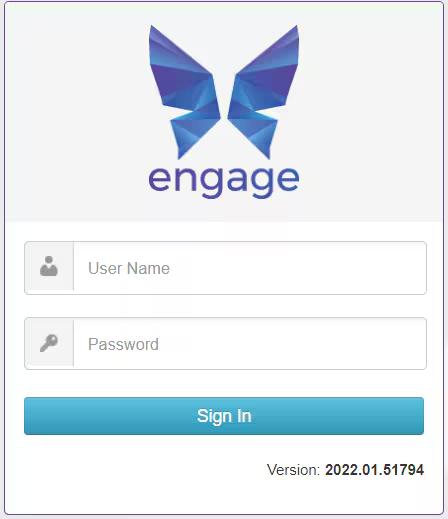
Log in to Analytics
- Enter the url we have given you.
- Enter the username and password you have been sent.
Select Sign In.
- If you are logging in for the first time you will be asked to change your password.
- Enter your current password.
- Enter your new password twice.
- Select Change Password.
Was this article helpful?
That’s Great!
Thank you for your feedback
Sorry! We couldn't be helpful
Thank you for your feedback
Feedback sent
We appreciate your effort and will try to fix the article