TABLE OF CONTENTS
Introduction
Staff members can only be deleted from the Former Staff screen. Find out how to transfer them here: Transfer a staff member.
Delete a staff member
- In Engage go to Staff > Staff Screen > Former Staff.
Select the Delete button.

- The Purge Former Staff window opens.
All staff are listed, select the record/s to delete.
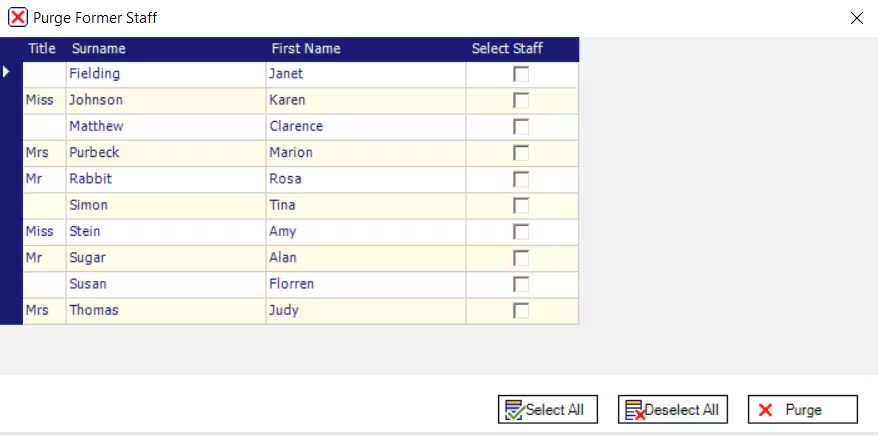
- Select Purge.
The following message appears.
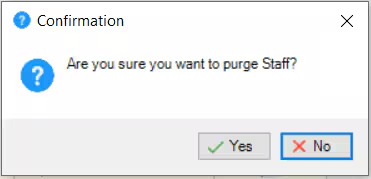
- Select Yes. The staff members record is deleted from the database.
Was this article helpful?
That’s Great!
Thank you for your feedback
Sorry! We couldn't be helpful
Thank you for your feedback
Feedback sent
We appreciate your effort and will try to fix the article