TABLE OF CONTENTS
Introduction
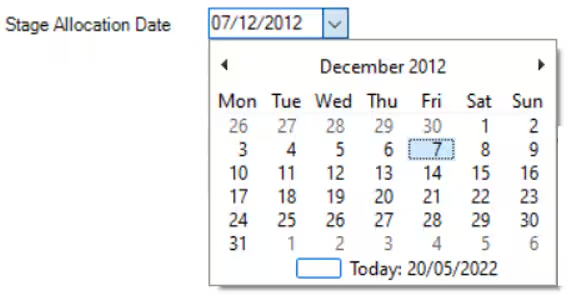
The Stage Allocation Date automatically updates when the pupil's Current Stage Type and/or Current Stage Name are changed. It defaults to the current date but it can be altered if the changes are made retrospectively.
Stage Allocation Date
- In Engage, go to the relevant pupil stage and find the required pupil.
- Go to the Registration Details tab on the pupil record.
In the Stage Allocation Date field select the drop-down arrow and choose a date from the calendar.
- Select Save.
Was this article helpful?
That’s Great!
Thank you for your feedback
Sorry! We couldn't be helpful
Thank you for your feedback
Feedback sent
We appreciate your effort and will try to fix the article