TABLE OF CONTENTS
Introduction
The Pupil Admission History stores all the admission stages that the pupil has been through as well as the date that they were moved to each stage and any notes. Pupil Admission History is available in every pupil stage. There is also a View Admission Stage button at the top of the Prospective pupil screen. Selecting it will open the Admission Stage History window for the selected pupil in the grid.
Pupil Admission History
- In Engage, go to the relevant pupil stage and find the required pupil.
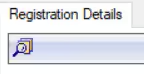
- Go to the Registration Details tab on the pupil record.
Select the Pupil Admission History icon.
- The Admission Stage History window will open.
It displays the Current Stage Type and Name at the top and the historical information in the middle.
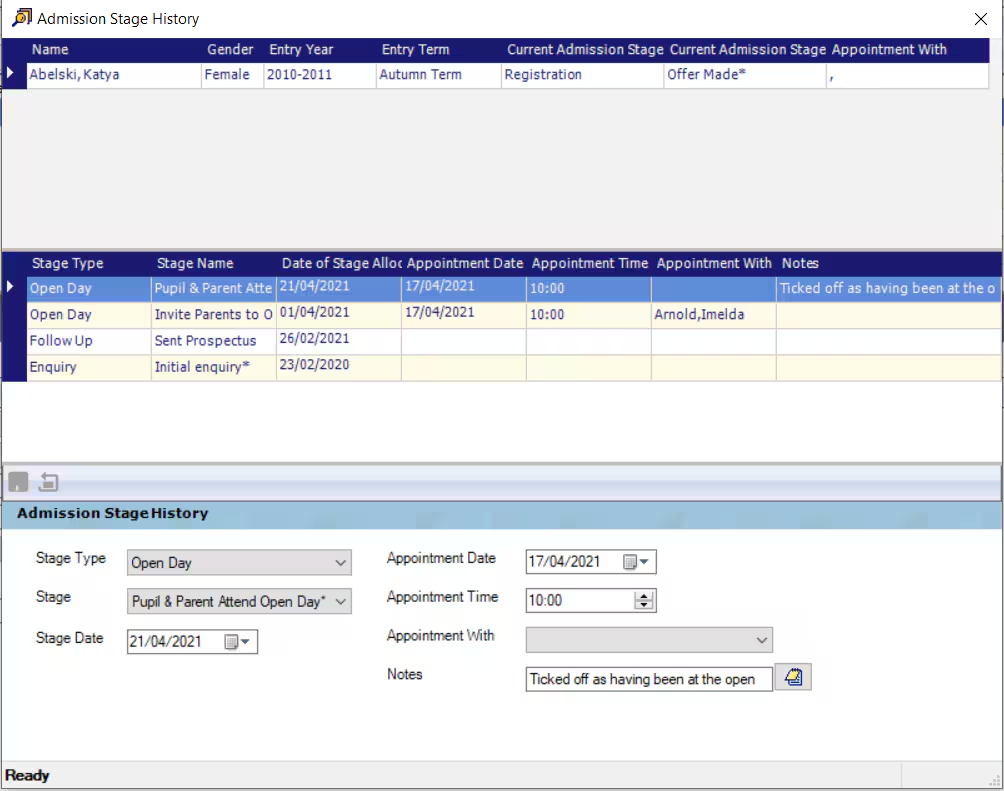
- If you need to edit some historical information or add notes, select the row in the grid and edit the fields in the bottom section of the screen.
- Select Save once the edits are made or close the window if no edits are made.
Was this article helpful?
That’s Great!
Thank you for your feedback
Sorry! We couldn't be helpful
Thank you for your feedback
Feedback sent
We appreciate your effort and will try to fix the article