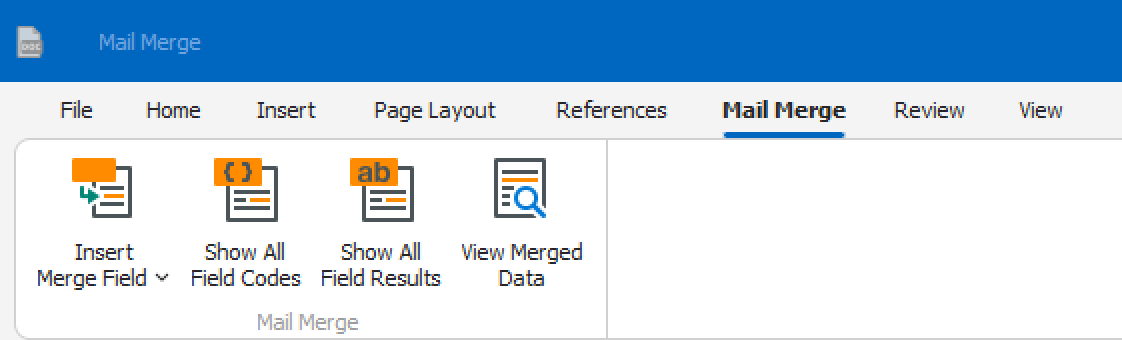
The table below provides options for altering fields in a Mail Merge template. To make the change click Show All Field Codes, enter the field code below and then click Show All Field Results.
Word Result | Field Code | Desired Result | Displayed Result |
UPPER CASE | { MERGEFIELD Name \*Upper } | Capitalises all letters | ENGAGE IS AMAZING! |
lower case | { MERGEFIELD Name \*Lower } | Transforms all letters to lower case | engage is amazing! |
Title Case | { MERGEFIELD Name \*Caps } | Capitalises the first letter of each word | Engage Is Amazing! |
Sentence case | { MERGEFIELD Name \*Lower \*FirstCap } | Capitalises only the first letter of the first word (use both switches shown) | Engage is amazing! |
Was this article helpful?
That’s Great!
Thank you for your feedback
Sorry! We couldn't be helpful
Thank you for your feedback
Feedback sent
We appreciate your effort and will try to fix the article